ghost-tabs-chrome-extension
Ghost Tabs Chrome Extension
Docs:
Developing
I use FNM. This repo has it’s required node version in .node-version. Pick up the version by running this.
fnm use
Install deps
pnpm install
Node 22.12 or newer is required. .node-version tracks the current Node 24 line.
Unit tests
pnpm test
pnpm run typecheck checks the extension projects and the tests without writing output.
Browser tests
pnpm run e2e:install # once: downloads the Chromium build Playwright uses
pnpm run e2e         # build, then run headless
HEADED=1 pnpm run e2e:run # watch it in a visible window
These load the built extension into a real Chromium, open the test pages, and check the favicon Chrome actually shows in each tab: unread badge on background tabs, reset when the tab is viewed, fading at each opacity, hidden tabs fading over time, Turn Off and back on, the animated debug fade, the popup, and the options. Each run writes a filmstrip of every favicon it saw to e2e/artifacts/<timestamp>/filmstrip.html.
EXTENSION_DIR=build-watch pnpm run e2e:run tests a different build.
Health check
pnpm health
Runs install, typecheck, unit tests, build, a check of the build output, pnpm watch, and the browser tests against both build and build-watch. Logs go to e2e/artifacts/health/. Pass --repeat 3 to run the browser tests several times.
Development build
pnpm run watch
This creates a build-watch folder than you can then load into the Chrome extensions page: chrome://extensions. Turn on development mode, and then click “Load unpacked”.
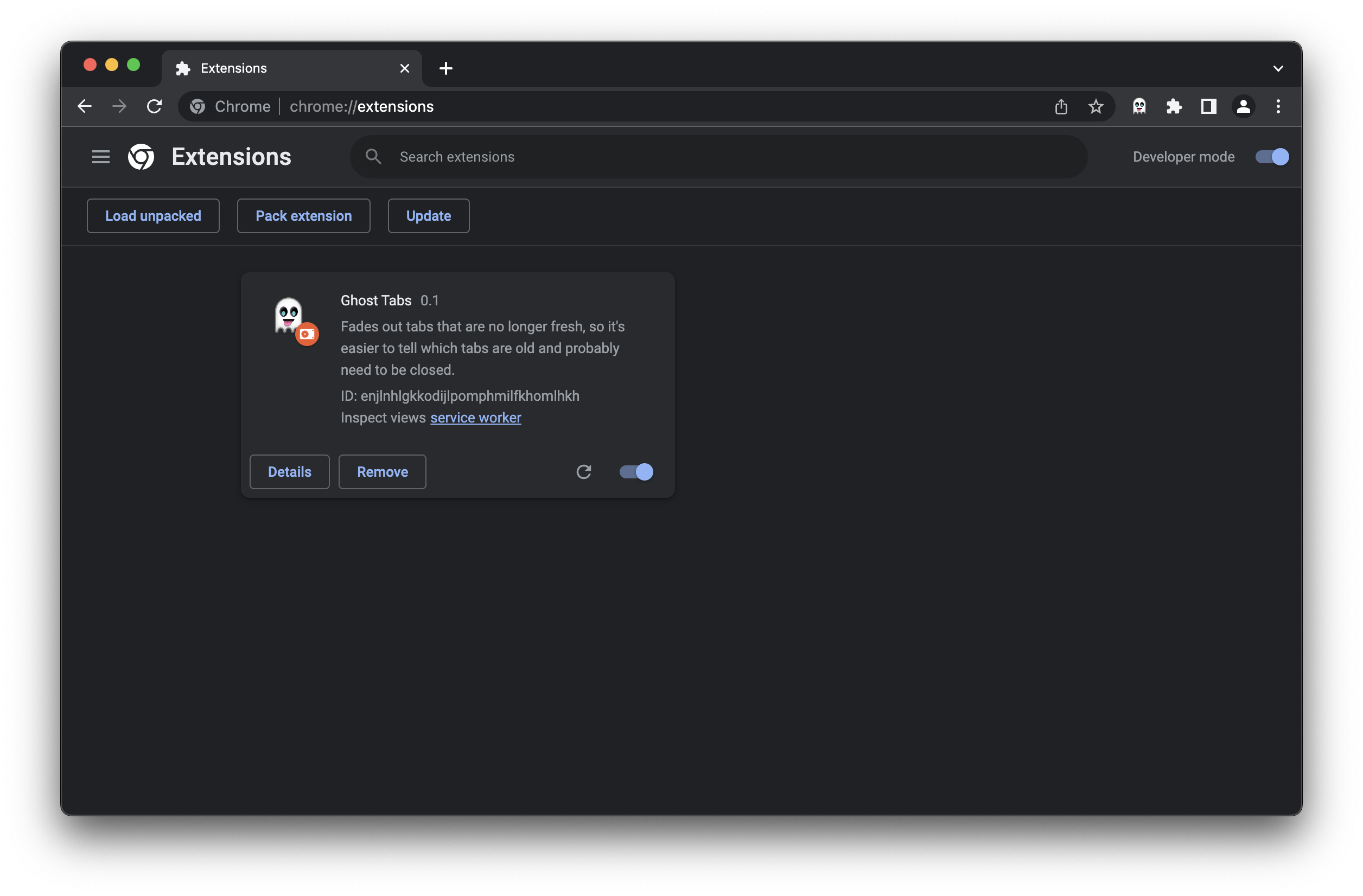
Some things (like popups) get updated right away, but background scripts and content scripts require clicking the reload button (🔄).
Then, pin (📌) the extension for easier access.
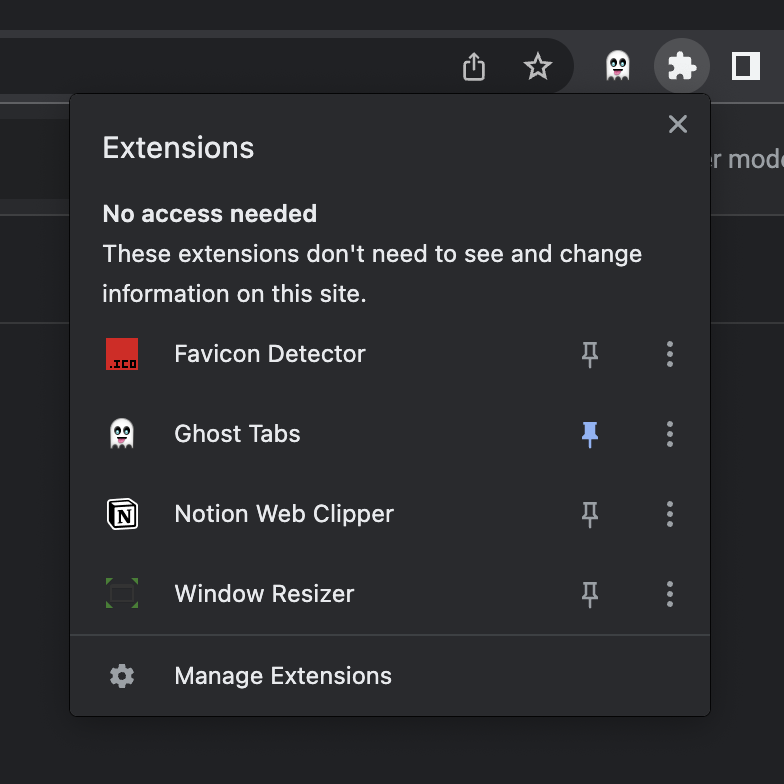
Test it with test pages
cd test-favicon-pages
And then follow instructions here: readme.
You’ve got two ways to open up all the test pages:
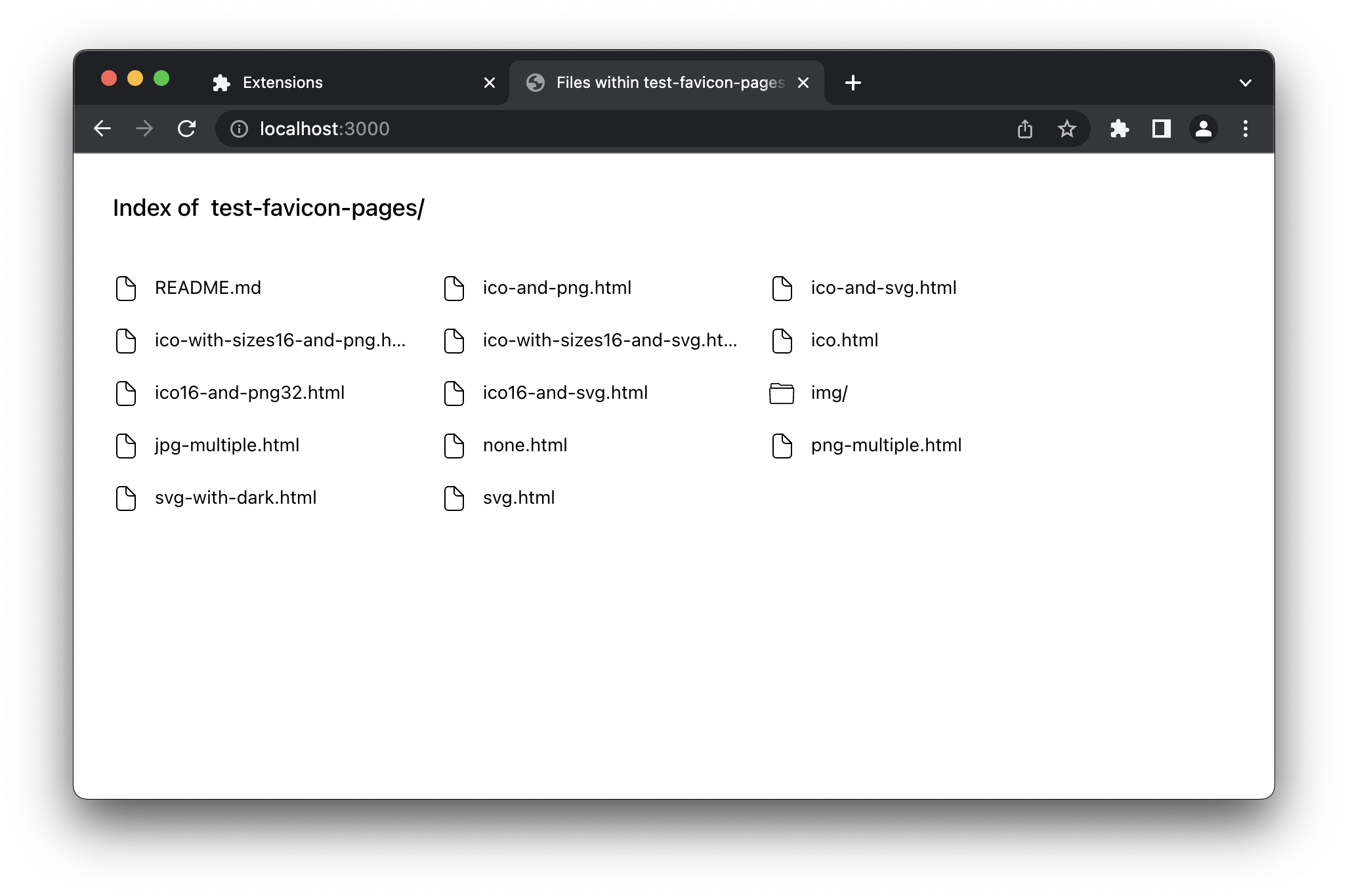
- Open the root page (likely, localhost:3000) and open each link in a new tab.
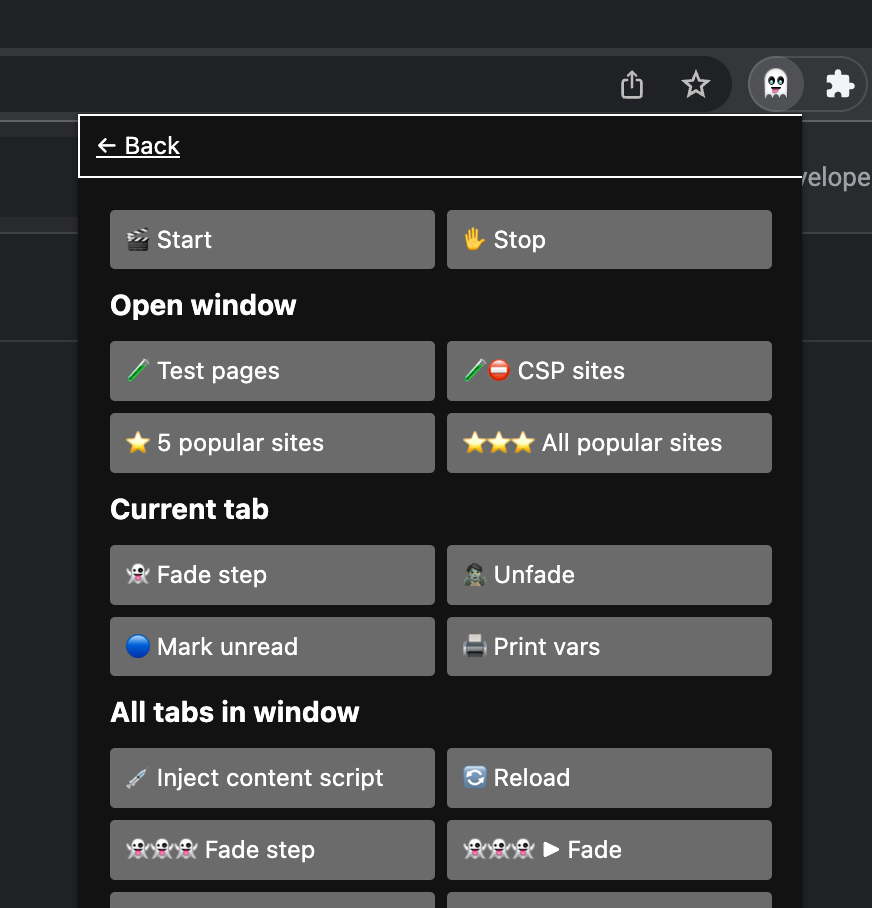
- Open the popup by clicking the extension icon in the toolbar and press “k” to show the debug view, and then click the “Test pages” button under “Open window”.
Production build
pnpm run build
Github Pages
This repo uses GitHub pages.